ONE WORKSPACE.
TEN CAPABILITIES_
Every part of Cesium works from the same records. Log an hour or a delivered page once and it shows up in your invoices, payments, tax estimates and safe-to-spend figure.
TRACK_
A timer sits at the top of every page. The Track page lays out your hours in a week grid, a timeline or a month. An entry can run past midnight, and you can click any entry to change it.
| TIMER | Keeps running if you close the tab or switch to your phone |
| GRID | Weekly view · click to edit · totals per day |
| CROSS-MIDNIGHT | Start date + end date on every entry |
| DAY-COUNTER | Switches to D:HH:MM:SS past 24h |


CLIENTS_
The businesses and people you bill. Each keeps its contact details and a dated rate history, so changing a rate never reprices earlier work.
| TYPES | Business (with optional Tax ID) · individual |
| RATES | Dated rate history · earlier work keeps its rate |
| INVOICE SETTINGS | Per-client tax + fee overrides |
| ARCHIVE | Kept for history; hidden from active lists |


PROJECTS · TASKS_
Each project belongs to a client and can set its own rate or way of billing. Tasks are optional; add them when you want an invoice to list hours by task.
| HIERARCHY | Client → Project → Task |
| BILLING | Hourly · per unit · fixed fee · retainer |
| RATE | Effective-dated timeline · inherits the client rate |
| TASKS | Drag to reorder · mark done · optional hours-by-task on invoices |


CONTRACTS_
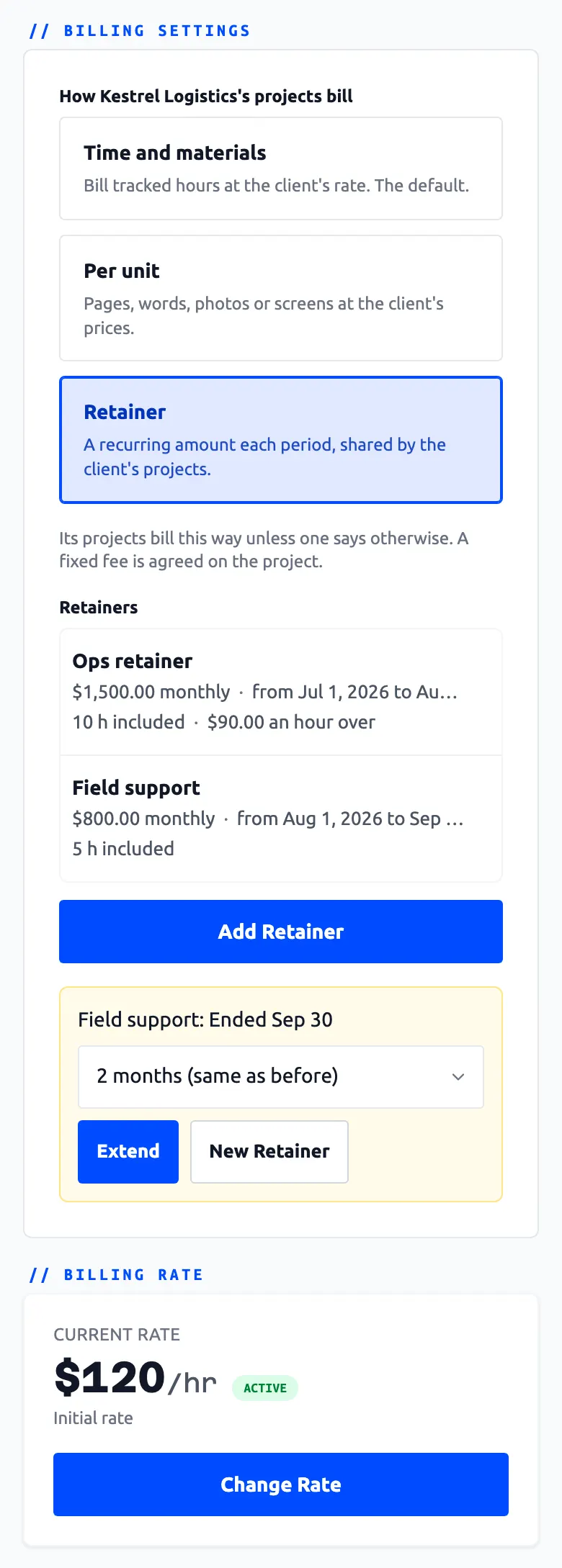
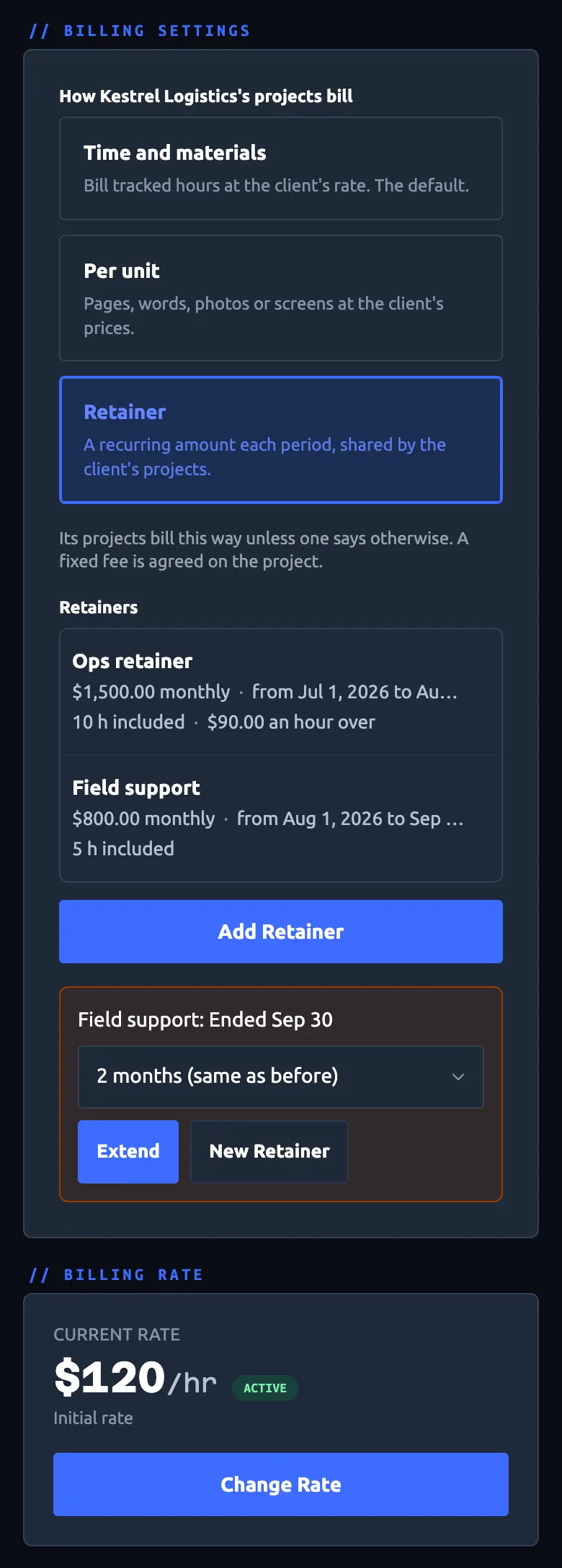
Not every job is billed by the hour. Charge by the page, the word or the delivery, agree a fixed fee with milestones, or run a retainer with an hours allowance. Delivered items wait in Unbilled next to your time.
| PER UNIT | A price list per client or project · page, word, day, half-day or your own unit |
| FIXED FEE | An agreed total · milestones with planned dates |
| RETAINER | Weekly, twice a month or monthly · included hours · extra hours billed to the minute |
| INVOICES | Quantity and unit price beside your hours |



INVOICING_
Generate a draft from tracked hours and delivered items, review it, then send it by email or download the PDF. Once sent, it is fixed.
| DRAFT | Picks its dates from the billing period set on the client |
| TAX | Optional · named your way (VAT, GST) · per-client overrides |
| DELIVERY | Email template with variables · PDF download |
| BREAKDOWN | Total hours · per-task · or detailed timestamps |


PAYMENTS_
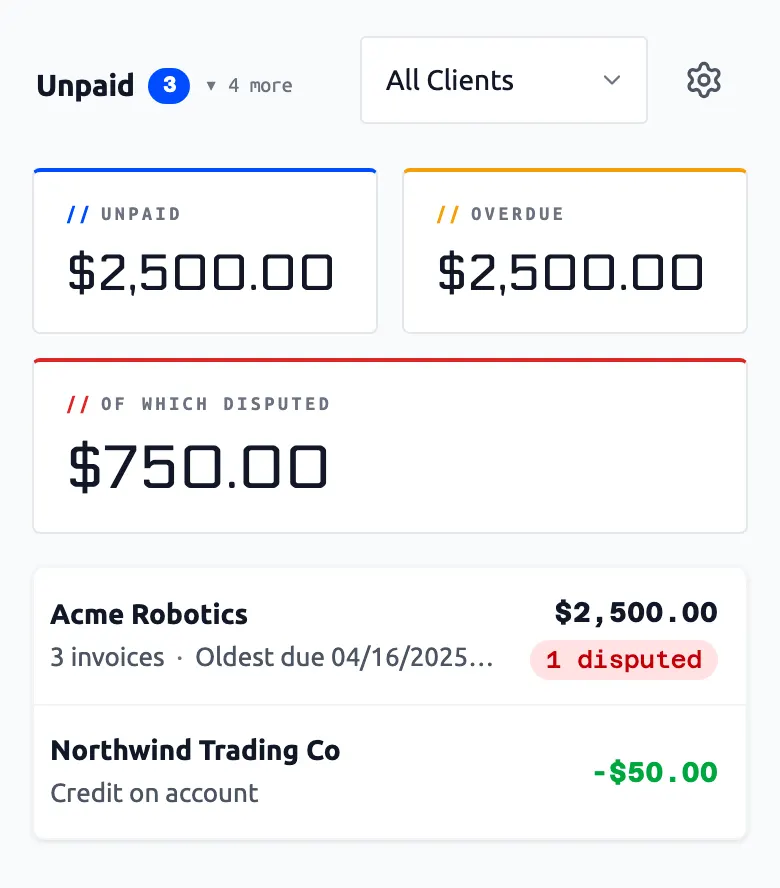
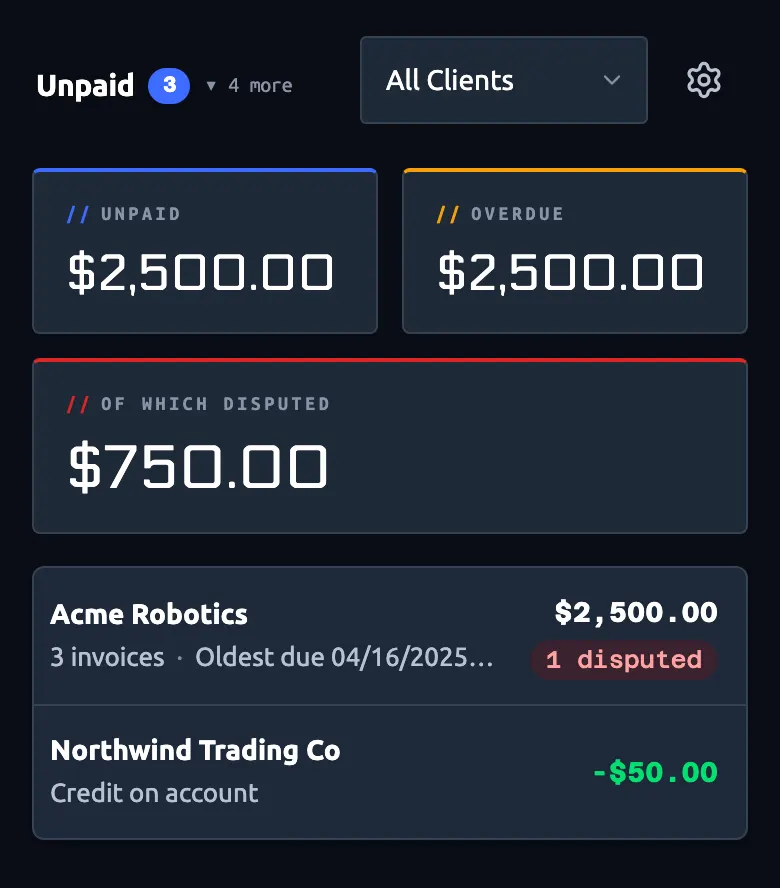
Clients pay in parts, pay late or dispute an invoice. Record each payment as it arrives, write off what you won't collect, carry a balance to the next invoice and keep notes on a dispute until it is settled. The invoice always shows what has been paid and what is still due.
| PAYMENTS | Any number per invoice · method and reference · bank fees filed as expenses |
| SETTLE | Write off with a reason · carry the balance to the next invoice |
| CREDIT | Overpayments kept as client credit |
| STATEMENT | A statement of account per client · PDF |



EXPENSES_
One-off expenses are logged as they happen and grouped by month. Recurring ones repeat daily, weekly, monthly or yearly, and you can change a single month when a bill goes up.
| ONE-OFF | Logged once · grouped by month |
| RECURRING | Daily · weekly · monthly · yearly schedules |
| CATEGORIES | Your own categories |
| OVERRIDES | Per-month variation on recurring items |


ESTIMATED TAXES_
Cesium estimates your tax; it does not file it. Build the tax from flat or banded parts, starting from the defaults for six countries, and choose whether income counts when it is paid, invoiced or earned. Each period shows the tax to put aside and what is left to spend.
| METHOD | Money received · invoiced · earned |
| COMPONENTS | Flat or banded · US, UK, Canada, Australia, New Zealand, Ireland defaults |
| PAYMENTS | Record what you pay · the P&L shows if you are over or under |
| DISCLAIMER | Estimation tool · not tax advice · check with your accountant |


REPORTS_
Income, Hours Worked, Capacity and Profit-Loss. Mark weekends, holidays and time off on the charts to see why a week was quiet. On a phone, swipe a chart sideways to scroll it.
| INCOME | Per day or month · on your income method |
| HOURS | Where your time goes · client + project filter |
| CAPACITY | Worked vs target · with banked-hours running total |
| P&L | Revenue, expenses, taxes, net · received, invoiced or earned |


TIME OFF_
Book vacation, sick days and public holidays, with your own types and colors. The Capacity report shows how many hours your time off cost against your target.
| TYPES | Time off and holiday types · your own names and colors |
| HOLIDAYS | Import by country and region · mark each one taken or not |
| IMPACT | Shown in Capacity as hours off |
| WEEKENDS | Choose whether weekends count in time-off totals |


